



BloodyCase documents ordinary cases, competitive case battles and an Upgrader that accepts skins with optional balance. Its menu also includes contracts, sniper battles and promotional activities, but it does not list a standalone crash or roulette mode. This guide separates the published rules from details you need to check in the current interface, so you can compare what you stake, how results are decided and what happens afterward. Games of chance are 18+, carry a house edge and are not a reliable way to obtain a particular skin.
Check the current menu and mode rules before deciding whether to participate.
Links to the official BloodyCase site are independent and earn no commission. →
Compare BloodyCase modes before choosing
The most useful distinction is what determines the result. An ordinary case produces a random item. A case battle adds a contest over the combined value of drops. The Upgrader puts an existing stake toward an attempt at a more expensive target. Promotional case categories concern access and eligibility rather than necessarily introducing a different outcome system. A familiar name or animation is not enough to establish the rules of another mode.
| Mode or category | What BloodyCase documents | Main decision before participating |
|---|---|---|
| Cases | Case openings require no separate keys; the catalogue includes CS2, Rust and Dota 2 cases. | Inspect the selected case, its cost and the outcome information presented. |
| Case battles | Several users open the same cases; the participant with the highest total drop value takes all drops. | Understand that receiving a valuable individual drop does not necessarily win the battle. |
| Upgrader | Stake skins, optionally with balance, for a more expensive target; chance depends on the value ratio. | Compare the complete stake, target and displayed chance before confirming. |
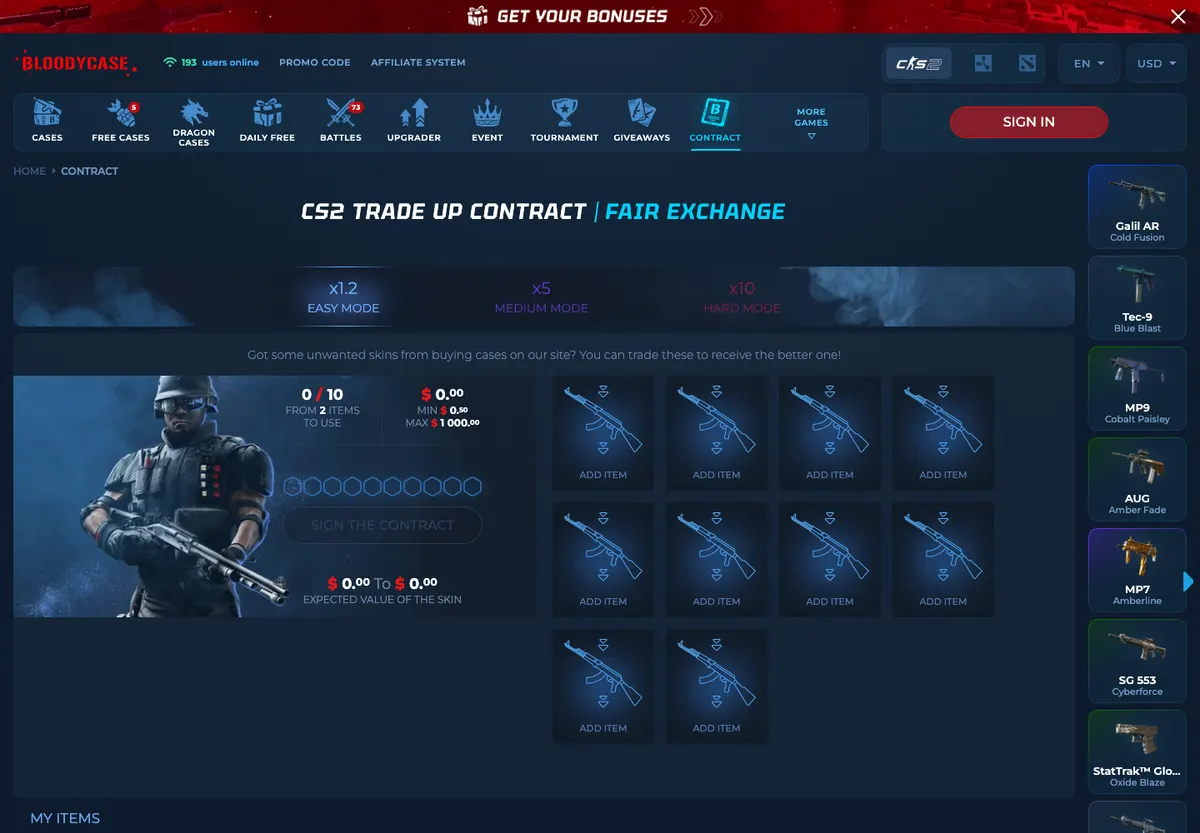
| Contract | Listed as a mode, and won skins can be used in it. | Read the actual input and output conditions rather than assuming standard contract rules. |
| Sniper battles | Listed separately in the mode menu. | Check its scoring and settlement rules; do not assume ordinary battle rules apply. |
| Free cases, Dragon cases and daily bonus | Listed case-access and reward categories, with different eligibility conditions. | Separate deposit requirements, daily conditions and withdrawal requirements. |
| Events, tournaments and giveaways | Listed activities alongside the main modes. | Read the individual activity terms, qualification criteria and prize conditions. |
| Crash and standalone roulette | Not listed in the published mode menu. | Do not mistake the Upgrader's Wheel display for confirmation of a separate roulette game. |
BloodyCase's catalogue supports cases for several games, but that does not establish that every game, skin or item type works in every mode. Check the actual selector before moving items or adding balance. Participation also depends on local law and the site's eligibility rules: use an 18+ minimum, and meet the legal age of majority wherever it is higher.
Compare modes by the commitment and settlement, not just the entry amount. Spending an equivalent amount on an ordinary opening, a battle entry or an upgrade does not buy an equivalent outcome. A battle introduces a comparison against other participants; an upgrade focuses the attempt on a selected target. The useful question is therefore not simply which button costs less, but what must happen for you to receive an item and what you give up if that does not happen. This comparison does not require predicting results: it requires understanding the transaction before confirming it.
Cases or battles: individual drops versus a contest
Ordinary cases keep the decision focused on the opening
BloodyCase says separate keys are unnecessary: users obtain a case and open it. That distinguishes its purchase flow from assuming a separate case-and-key transaction. It does not mean the opening has no cost, or that the resulting item will match the amount spent. The published minimum deposit for opening paid cases is $5; that is a funding threshold, not a universal case price.
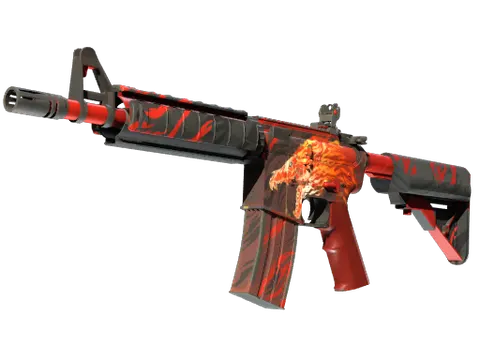
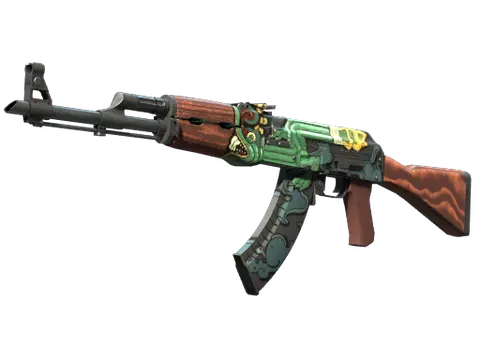
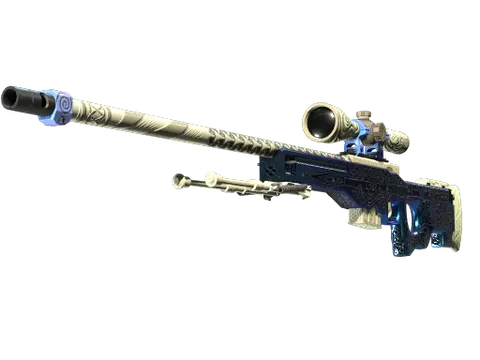
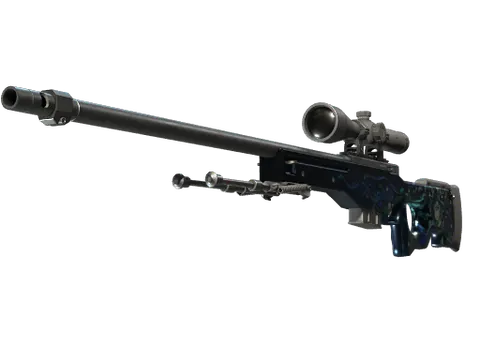
Before opening, distinguish the pictured highlight items from the complete possible outcome pool. As general case-opening guidance, inspect available probabilities and item variants rather than treating the largest illustration as a representative result. If you want an exact finish or wear condition, a random case is not a substitute for selecting a known item directly. The BloodyCase cases guide focuses on case selection and the opening process.
Case battles compare the combined value of drops
BloodyCase's published battle rule is straightforward: several participants open the same cases, and the player whose drops have the greatest total value takes all drops. The contest therefore depends on aggregate value, not merely on who gets an attractive item first. A participant can receive an appealing drop during the sequence and still lose the battle when the totals are compared.
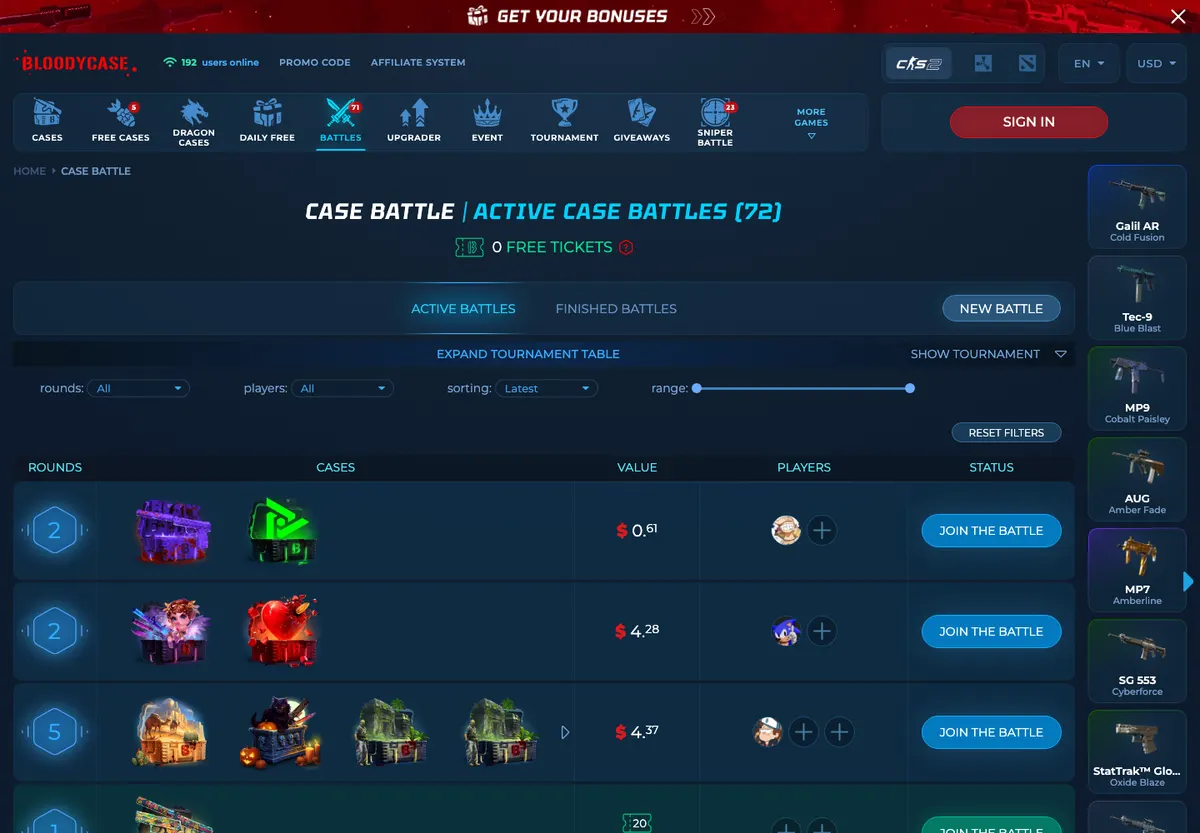
- Inspect the complete case selectionRead the full battle setup and total entry cost. A familiar case thumbnail does not tell you everything included in the contest.
- Confirm the scoring and settlementMatch the setup to the published highest-total-value rule. Look for any displayed information about ties, interrupted rounds or unfilled positions before entering.
- Treat entry as the spending decisionSet the amount you are willing to lose before joining. Do not plan another battle around recovering an earlier result.
- Review the settled resultCheck the final totals and account outcome rather than relying on the animation or the apparent value of an intermediate drop.
Fully private battles cannot be created under the published rules. If your intention is a closed contest with friends, do not assume that sharing a link makes a battle private. The published overview also does not specify tie-break procedures or every possible lobby setting. Resolve those points in the current rules before entering, rather than importing team, reverse-scoring or bot rules from another case-opening site.
Separate the battle score from an external selling price
A value used to compare battle drops is not automatically the amount you could receive elsewhere for those items. As general market guidance, distinguish the game's scoring values, any internal sale quotation and a price shown on another service. These figures answer different questions. Steam's Community Market, for example, trades items for Steam Wallet funds and displays transaction fees; it is not evidence that a BloodyCase battle total is a cash payout. If a result looks inconsistent, record the individual drops and the displayed totals. Ask which valuation was applied rather than substituting a price from a different market and assuming the settlement must be wrong.
Use the Upgrader only after checking the full stake
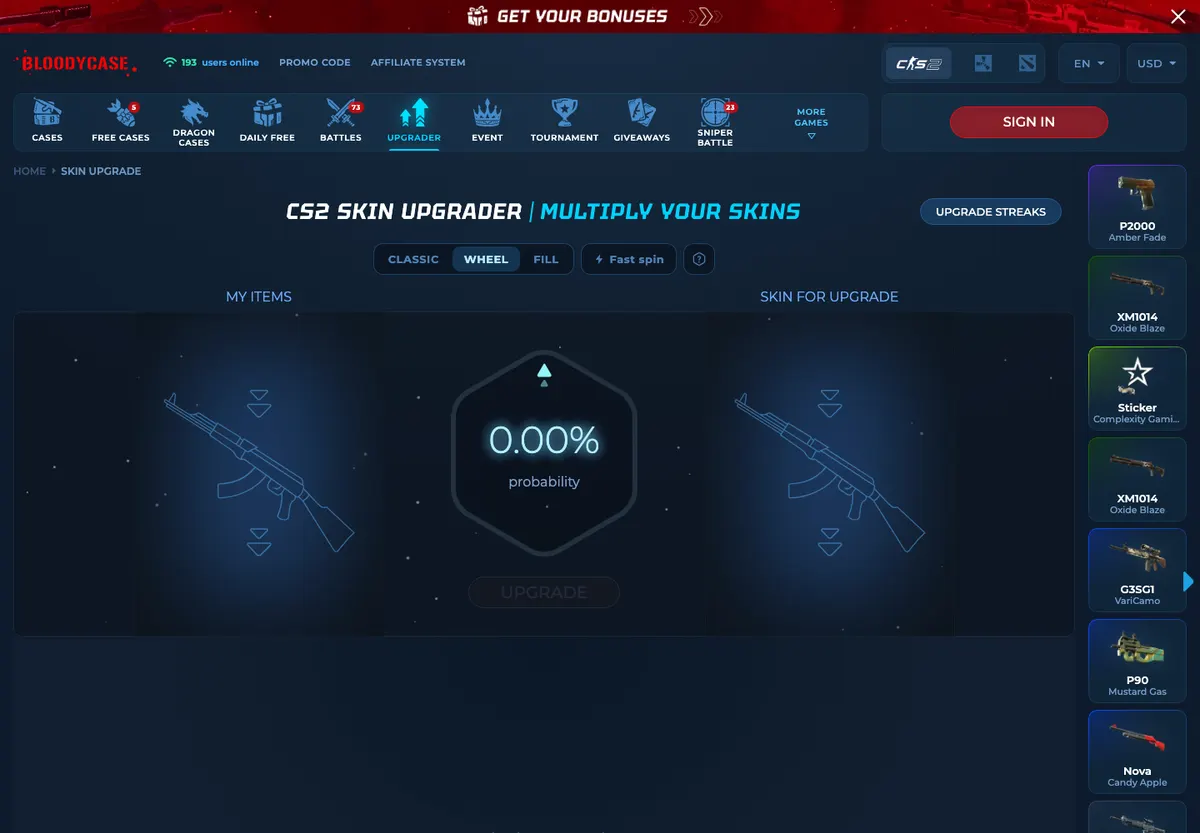
The BloodyCase Upgrader lets you stake skins, optionally add account balance and attempt to obtain a more expensive target skin. Unlike an ordinary case, the target is central to the decision. Unlike a direct exchange, the target is not a certain delivery in return for your inputs. The stated outcome includes the possibility of losing the skin or balance you commit.
Read the value ratio without inventing a formula
BloodyCase says upgrade chance is based on the relationship between the stake value and the target value. That explains why the selected target matters, but it does not supply a complete probability formula. Do not calculate a simple price ratio and assume it must equal the site's displayed chance. Pricing conventions, the applicable house edge and the actual calculation all matter when evaluating a chance-based exchange.
Review the selected skins and any added balance together. Balance is part of the stake, not an incidental setting. If you change the target, add an input or adjust balance, reread the resulting chance and commitment before confirming. This is particularly important when the item you selected has personal value beyond its displayed price: a replacement with the same name may not have the same wear, pattern or sentimental significance.
A useful final check is to read the setup in plain language: these are the items and balance I am committing, this is the exact target, and this is the chance currently shown. If any part is unclear, return to the selector rather than relying on a previous preview. This also helps distinguish selecting an item from authorising an attempt. Do not assume a highlighted target means it has already been awarded, reserved for delivery or added to your Steam inventory; confirm the settled result and the subsequent item status separately.
Understand a loss and the limits of cashback
The published Upgrader description says that an unsuccessful attempt loses the staked skin or balance, while cashback is credited. It does not specify a cashback rate in that overview. Do not treat the word as a promise to recover the original item, restore the entire stake or receive withdrawable cash. Read the current credit conditions and evaluate the attempt on the basis that the committed item can be lost.
Classic and Wheel are Upgrader labels, not separate promises
The Upgrader offers the labels Upgrade strip, Classic, Wheel and Fill. These sit within the upgrade feature; their names alone do not establish different payouts or a strategic advantage. Compare the displayed stake, target, probability and rules whenever switching views. An animation that looks more intuitive does not, by itself, make an attempt more favourable. In particular, Wheel should not be presented as evidence that BloodyCase offers a standalone roulette product.
Contracts and sniper battles need their own rules
Contract appears in BloodyCase's navigation, and the site says won skins can be used in Contract mode. That establishes an item-use option, not its complete mechanics. The published overview does not specify a fixed input count, accepted rarity combinations, output range or return formula. Before committing items, identify what will be consumed, what outcomes are possible and whether the output is random. Do not apply an in-game CS2 trade-up recipe to a third-party feature simply because both involve combining items.
Sniper battles are also listed separately, but the published menu does not explain their scoring or settlement. The word sniper is not enough to infer timing-based skill, a particular case selection or the ordinary battle winner rule. Look for a mode-specific explanation covering entry, how a winner is selected and what happens to participants' items. If those essentials remain unclear, do not enter merely to discover them through a paid round.
Separate promotional access from game mechanics
BloodyCase groups several reward activities alongside its main modes. The key questions are eligibility, any required deposit and what you can do with a resulting item. A case described as free can still have funding or account conditions. Access to an opening and permission to withdraw its result are separate matters, so check both before treating a promotion as part of your plan.
| Activity | Published condition | Practical interpretation |
|---|---|---|
| New-user case offer | The offer contains 5 free cases, requires a $5 deposit to unlock and can be used only once per user. | It is not a no-deposit opening route; include the required funding in your decision. |
| Dragon cases | A 10-level system is linked to cumulative deposits; a daily case is available and unopened cases expire. | Eligibility reflects deposit history. Do not deposit or extend a session simply to pursue a level or avoid missing a claim. |
| Steam-name daily case | Adding the BloodyCase icon and text to the Steam name unlocks a daily case. | This is an account-presentation condition, not evidence of improved odds in another mode. |
| Daily bonus | Appears as a separate menu entry. | Read its current eligibility and credit conditions; do not assume it duplicates another daily reward. |
| Events, tournaments and giveaways | All appear in the navigation. | Each activity needs its own participation, ranking or selection rules; the menu label does not establish them. |
The site also states that withdrawing items to Steam requires a balance top-up of at least $5. That requirement matters even when an item originates from a promotional opening. It should not be interpreted as a complete withdrawal policy or a promise about processing time. Check the selected item's availability and all current conditions before adding funds solely to move it. The deposit and withdrawal guide explains the distinction between funding, internal balance and Steam delivery.
Compare the current battle setup, upgrade stake and activity conditions before committing items.
Links to the official BloodyCase site are independent and earn no commission. →
Provably fair checks verify results, not value
BloodyCase states that its provably fair algorithm applies to all openings, including battles, and that results can be checked using server seeds. This is a claim about verifiability, not a promise that an opening is financially favourable. A fair random process can still carry a house edge. Verification also does not establish that a displayed skin value matches an external selling price or that an item is immediately available for withdrawal.
- Keep the round identifier and any verification information made available for the completed opening.
- Use the explanation for the exact mode; a case-opening check should not automatically be treated as a complete Upgrader or Contract verification procedure.
- Distinguish a seed commitment from a revealed seed. In a typical system, a commitment helps demonstrate that the underlying value was fixed before the result.
- Check how the generated result maps to an item or outcome. Reproducing a random value is only part of understanding the result.
- If the verifier cannot reproduce the result, save the details and ask support rather than placing another stake to test the system.
These are general provably fair concepts, not a substitute for BloodyCase's exact implementation. Its published overview does not supply a complete technical procedure for every listed activity. Follow the current mode-specific instructions and avoid inventing missing inputs. The provably fair guide explains seeds, hashes and the difference between checking a result and assessing the odds.
Know what happens to items after a result
BloodyCase lists several uses for won skins: withdraw them to Steam, sell them for site balance or use them in Upgrade and Contract modes. These are materially different choices. Selling converts the item into an internal balance; using it in another mode commits it to another outcome; withdrawing requests delivery to Steam. A balance credit should not be described as a bank payout, and another upgrade should not be treated as a necessary step before withdrawal.
Item identity also matters. As general skin-market guidance, the weapon and finish name may not fully describe a CS2 item: wear, float, pattern and special variants can affect desirability and price. Rarity describes an item category, not automatically its individual opening probability. Compare the actual item details shown in a target selector or trade offer. The glossary explains these terms without assuming that every mode accepts every variant.
Steam delivery remains a separate security step
BloodyCase says exchanges run automatically through Steam bots. Automation does not remove the need to inspect a trade offer. Steam Trade Offers specify the items on both sides, so compare what you receive and what you give before accepting. When a service asks for a trade link, understand it as a way to route an offer to your account, not as permission to accept unrelated trades or share account credentials.
Valve describes Steam trade holds as a protective delay before delivery, allowing compromised-account owners time to cancel fraudulent trades. Steam Guard's Mobile Authenticator supports account protection and trade confirmations. Those are general Steam mechanisms, not BloodyCase-specific waiting-time promises. Read the current Steam status for your account and the particular item instead of assuming a successful game result means immediate delivery. See trade safety before accepting an unexpected or changed offer.
Match your goal to the right decision
| Your situation | Relevant route | Decision that matters |
|---|---|---|
| You want a particular finish | Compare a known-item purchase with a chance-based target attempt. | An upgrade names a target but does not assure you of receiving it. |
| You want an individual case opening | Review the ordinary case catalogue. | Check the entire outcome pool rather than only the featured skin. |
| You want competitive case opening | Read the case-battle setup. | The highest combined drop value wins; an attractive intermediate drop is not a settled win. |
| You want to combine existing items | Inspect Contract mode before selecting inputs. | Establish consumption and output rules rather than borrowing another site's contract recipe. |
| You searched for crash or roulette | Check the current mode menu. | Neither appears in the published list; the Upgrader Wheel label does not establish roulette rules. |
| You want the item in your Steam inventory | Review withdrawal conditions and the trade offer. | Further play and selling for site balance are different choices, not required equivalents of delivery. |
If an option is missing, first distinguish a mode that is not listed from an item that is not selectable. Do not keep changing stakes to force an unsupported item into a mode. Likewise, if a battle has settled but an item has not arrived in Steam, separate the game result from the withdrawal request and Steam trade status. Those are different stages and need different checks.
Keep a clear record when moving between modes
Moving a drop into another activity can make the session harder to understand. A case result, an internal sale and a later upgrade are separate decisions, even when the interface makes the transition convenient. For your own record, note the original spending, which items you retained, which you sold and which you committed again. Do not count an item as both retained value and an available stake after it has been consumed. Similarly, a cashback credit belongs in the account record, but its label alone does not establish that it can be withdrawn. This simple separation helps you explain a missing-item problem and judge your overall spending without treating every balance movement as a new deposit or a payout.
Resolve unclear results without adding another stake
A frozen animation, confusing total or missing credit is a reason to investigate the existing action, not immediately repeat it. Repeating a confirmation can make it harder to distinguish the original issue from a new transaction. Start with the result and account records available in the interface. If the account state remains unclear, stop and collect enough detail for support to identify the event.
- Identify the mode and actionNote whether the problem concerns case opening, battle settlement, an upgrade, a contract or Steam delivery. Include the approximate time and any visible identifier.
- Record the relevant inputsSave the selected cases, skins, target and balance contribution where applicable. Screenshots should show useful transaction details without exposing account secrets.
- Describe the mismatch preciselyExplain whether the problem is a missing result, disputed total, uncredited cashback or an absent trade offer. Avoid combining unrelated account issues into an unclear complaint.
- Use the published support channelBloodyCase advertises support at support@bloodycase.com, available 24/7. That availability statement is not a promised response or resolution time.
Never send a password, authenticator code or recovery code as troubleshooting evidence. An account identifier, relevant round details and a clear description are more useful than credential access. The support guide helps organise a request. If the issue is uncertainty about charges or item valuation rather than a missing result, review the fees guide before interpreting the displayed amounts.
Quick checklist before committing skins or balance
- Confirm that participation is lawful for you and that you meet the age requirement.
- Name the actual mode: ordinary case, battle, upgrade or contract. Do not rely on an animation or promotional label.
- Read the complete commitment, including all selected skins and any added balance.
- Understand how the result is decided, what can be lost and what happens after settlement.
- Check any promotion's deposit, eligibility and withdrawal conditions separately.
- Decide your spending and stopping limits before the result, not in response to it.
- Keep verification details and inspect Steam offers carefully; do not treat another stake as a troubleshooting step.
If you feel pressure to recover an item, chase a result or maintain a daily reward routine, step away rather than changing modes. A different display or activity does not erase earlier spending. The responsible-play guide covers limits, warning signs and ways to seek help.
BloodyCase game modes FAQ
No matching questions found.
How does the BloodyCase Upgrader work?
Who wins a BloodyCase case battle?
Does BloodyCase have crash or roulette?
Are Classic, Wheel, Fill and Upgrade strip different games?
What are BloodyCase contracts and sniper battles?
Can I open the new-user cases without depositing?
Are BloodyCase battles provably fair?
Do I have to upgrade a won skin before withdrawing it?
Proceed only after understanding the stake, outcome rules and withdrawal conditions.
Links to the official BloodyCase site are independent and earn no commission. →
This independent guide is for informational purposes and is not affiliated with BloodyCase.