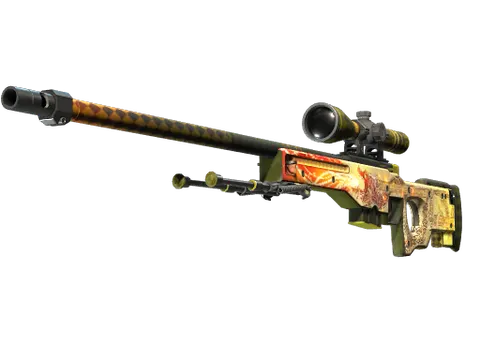
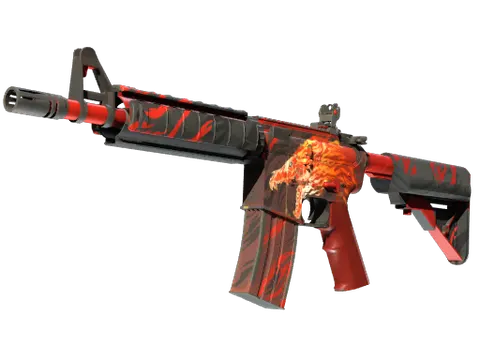
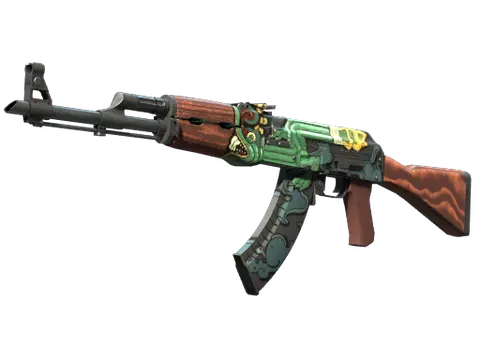
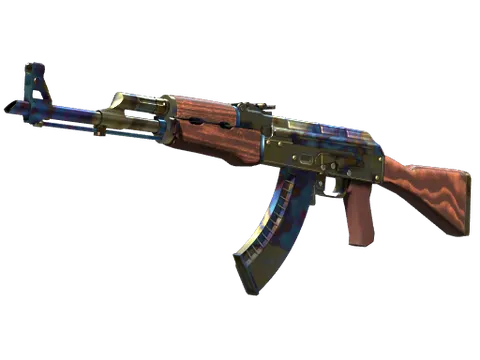
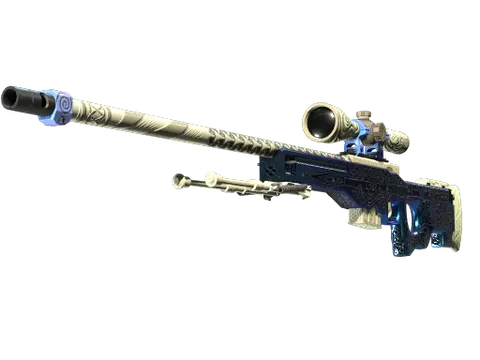
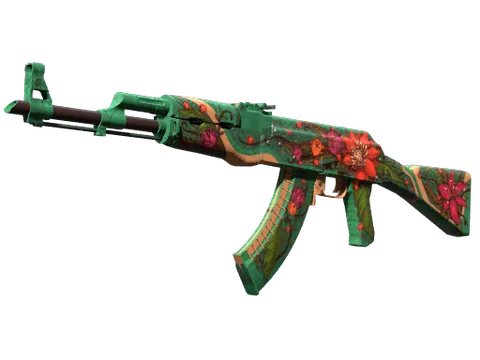
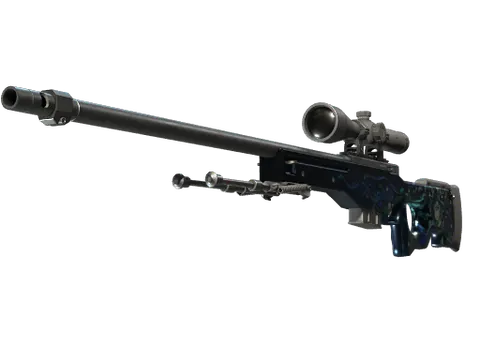
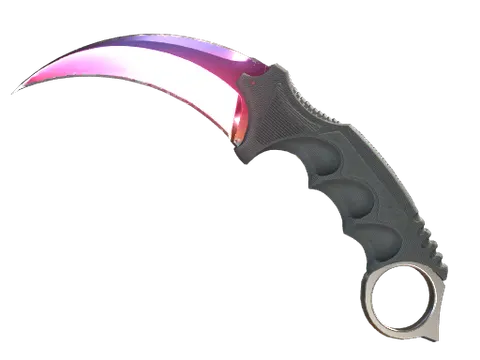

BloodyCase lists skin cases for CS2, Dota 2 and Rust. Its documented features include case opening without separate keys and the option to withdraw awarded skins to Steam or sell them for site balance. The important distinction is between supporting a game's cases and supporting every item, withdrawal route or mode associated with that game. Start by choosing the game you actually play, then check the exact case contents and item details. This guide explains what differs between the games, what to inspect before opening, and how to avoid confusing an on-site award with a completed Steam delivery.
Which games does BloodyCase support?
The published game list names CS2, Rust and Dota 2. That establishes case-category support, not an unrestricted inventory marketplace. It does not mean that every cosmetic from those games can be deposited, appears in a case, can be selected as an upgrade target, or is currently available for Steam withdrawal. Read the live case and item information as the deciding reference. The comparison below separates confirmed game categories from general item characteristics you should inspect; it is not a list of promised drops.
| Game | Documented BloodyCase support | General item checks | Do not assume |
|---|---|---|---|
| CS2 | CS2 skin cases | Weapon or item type, finish, wear, relevant float or pattern details, and special attributes | That a familiar finish name identifies the exact variant you want |
| Dota 2 | Dota 2 skin cases | Hero compatibility, equipment slot, individual item versus bundle, style and special properties | That a pictured set means every component is included |
| Rust | Rust skin cases | Underlying weapon, clothing or deployable item, exact skin name and appearance | That a similar-looking skin fits a different underlying item |
| TF2 | Not confirmed by the published game list | Check the current official catalogue before attempting any transfer | That sharing Steam with the supported games makes TF2 items eligible |
CS2 skins: identify the variant, not just the artwork
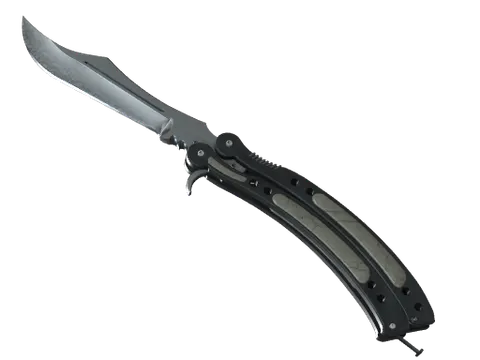
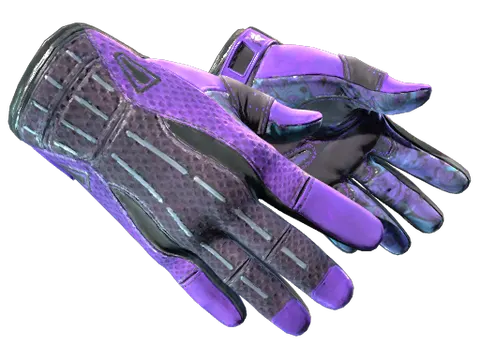
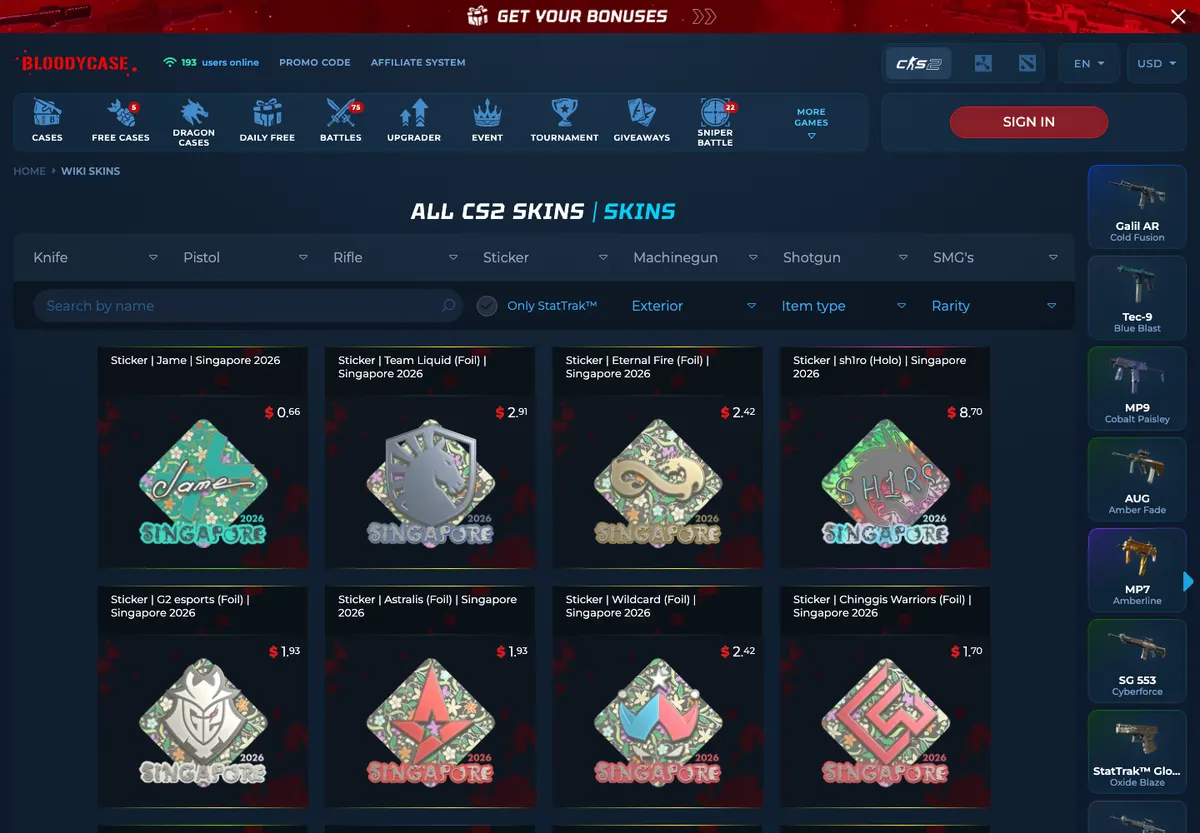
BloodyCase lists CS2 among its supported case games. When comparing CS2 items, the main practical issue is identity: visually similar listings can represent materially different variants. A weapon name and finish are only the starting point. Depending on the item, condition, pattern and special attributes can affect both appearance and how people compare its value. These are general CS2 inventory concepts, not a statement that BloodyCase offers every variant. Check the actual item description rather than relying on a case thumbnail, a shortened name or the most prominent illustration.
Wear, float and pattern answer different questions
For relevant CS2 finishes, wear labels group items into condition categories, while float provides a more precise condition attribute. A pattern identifier concerns how a finish is applied; it is not another name for wear. Their visual importance varies by finish. Do not assume that every cosmetic has all these properties or that a case illustration depicts the exact item you would receive. If a particular appearance matters, look for the information needed to distinguish it before deciding whether a random case outcome suits your goal.
- Match the underlying weapon or item. A finish name alone is not a complete description, especially when browsing quickly between similarly presented listings.
- Read the condition and any displayed float or pattern information. If a detail is essential but absent, do not fill it in from the picture.
- Treat attributes such as StatTrak or souvenir status as part of the item's identity when applicable. A standard version is not an interchangeable substitute.
- For decorated items, inspect any stated stickers or other additions separately. Do not assume artwork shown in a promotional image describes the eventual withdrawal item.
Rarity is also different from suitability. A rare item may not be the weapon you use, the finish you prefer or a variant you would otherwise choose. If your goal is a specific cosmetic, compare case opening with buying that known item through a suitable marketplace. That is a general purchasing alternative, not a claim that BloodyCase provides direct purchase of every CS2 skin.
Dota 2 items: check the hero, slot and included pieces
BloodyCase also lists Dota 2 cases. Here, the useful comparison shifts away from CS2-style wear checks and toward what an item actually equips and contains. Dota 2 cosmetics can be associated with particular heroes and equipment slots, while a complete visual set may involve separate components. A striking image is therefore not enough to establish what is being awarded. Read whether the listing describes an individual piece, a bundle or another cosmetic type, and make sure it matches the hero and appearance you want.
Separate the base item from its special properties
Some Dota 2 cosmetics have styles, gems, sockets or other properties that distinguish otherwise similar entries. These details are not universal, and a name shared with another listing does not establish that the properties match. Where a special style matters, check whether the description identifies its status. Where a bundle is involved, distinguish an intact bundle from its individual contents. These are general Dota 2 checks; they do not establish which special item types BloodyCase currently stocks or accepts.
- Confirm hero compatibility and the equipment slot before comparing the cosmetic with another entry.
- Read the item title for bundle or component wording; do not infer completeness from a full-character image.
- Inspect any stated styles, gems or other special properties instead of assuming the pictured version includes them.
- Check the Steam item's current trading restrictions separately from its rarity or appearance.
A useful decision test is whether you would still want the item without the surrounding set shown in promotional artwork. If the answer depends on other components, identify those separately before spending. Dota 2 case support should not be read as a promise of a complete hero loadout, a particular unlocked style or a compatible replacement for something already in your inventory.
Rust skins: match the cosmetic to the underlying item
Rust is another documented BloodyCase case category. For Rust cosmetics, begin with the underlying item rather than applying a CS2 inspection template. Weapon skins, clothing cosmetics and skins for deployable objects serve different purposes. A design that looks right in a thumbnail may belong to a different item than the one you intended to customise. Establish the exact item and skin name, then consider how the appearance fits your existing equipment or preferred visual style.
- Identify whether the listing concerns a weapon, wearable item or deployable. Similar colours or collection themes do not establish compatibility.
- Match the full skin name to the underlying item. Do not assume a cosmetic applies across related weapons or clothing pieces.
- Consider the relevant in-game view, not only the inventory icon. A thumbnail may not communicate every visible surface.
- Review the specific Steam item description for trading eligibility. Rust case support alone does not confirm that an item can be transferred immediately.
Avoid transferring terminology between games without checking its meaning. A CS2 condition label is not a universal grading system for Rust cosmetics, and a Dota 2 bundle is not a useful model for interpreting every Rust listing. The practical question is straightforward: what exact cosmetic does this entry describe, and what does it apply to? If the case or item description does not answer that, pause rather than assuming that a familiar image supplies the missing details.
Keep game support separate from mode eligibility
BloodyCase lists cases, case battles, sniper battles, an upgrader, contracts and other activities. Its general withdrawal description says awarded skins can be withdrawn to Steam, sold for site balance or used in Upgrade and Contract modes. Those statements do not establish that every supported game has identical access to every activity. BloodyCase's general game-support description does not provide a complete game-by-game item and mode compatibility table. Check the actual selection offered by a mode before treating an item as eligible.
| Activity | Documented function | Game-specific check |
|---|---|---|
| Cases | Open a case without buying a separate key | Read the contents of that particular case; the game category is not the drop list |
| Case battles | Participants open the same cases; the highest total drop value takes the drops | Inspect the selected cases rather than assuming every game category is available |
| Upgrader | Stake skins, optionally with balance, for a more expensive target | Confirm that both the input and intended target are selectable |
| Contracts | Listed as a use for awarded skins | Read the current eligibility and rules rather than borrowing mechanics from another site |
| Steam withdrawal | Transfer awarded skins to a Steam account | Check the exact item and any applicable account or item restrictions |
This distinction also matters for TF2. The published game list does not confirm TF2 support, and using the same Steam account does not make its inventory interchangeable with CS2, Dota 2 or Rust. Likewise, Steam compatibility does not prove that BloodyCase accepts an existing inventory item as a deposit. For a broader explanation of the activities, see BloodyCase game modes; use the live mode interface to confirm the specific items it allows.
Choose a game and case with a clear end goal
- Decide whether you want entertainment or a particular itemA case gives a random outcome, not an order for your preferred cosmetic. If only a particular finish, hero item or Rust skin will satisfy your goal, compare a known-item purchase elsewhere before choosing chance-based opening. BloodyCase is not documented here as a direct-purchase marketplace.
- Choose the game before comparing case artworkStart with CS2, Dota 2 or Rust according to the inventory you want to build. Then apply that game's inspection checklist. This prevents irrelevant comparisons, such as prioritising a CS2 wear label when the actual decision concerns a Dota 2 bundle component.
- Inspect the complete case informationRead the listed outcomes and any available probability information. A headline image should not stand in for the full contents. If essential information is unclear, stop and ask for clarification rather than assuming that attractive artwork represents a likely result.
- Check the financial conditions before adding balanceBloodyCase states a minimum deposit of £5 for paid cases and separately states that a balance top-up of at least £5 is required for Steam item withdrawal. These are funding conditions, not the price of every case or a guarantee that a chosen item is available.
- Confirm the intended destinationIf your goal is an in-game cosmetic, ensure the Steam account intended to receive it is the correct one. An on-site inventory entry and an item delivered to Steam are different stages. Review the current withdrawal instructions before committing funds, not only after receiving an award.
- Review the awarded item before choosing what happens nextCompare its exact attributes with the item you expected. Decide whether to request Steam withdrawal or retain it on-site under the available options. Selling for site balance or staking it in another mode changes your position; neither should be treated as a required step toward receiving it.
Go to https://bloodycase.com/ to inspect current game categories, case contents and eligibility before deciding whether to play.
Links to the official BloodyCase site are independent and earn no commission. →
Steam delivery: the checks shared across the games
BloodyCase says exchanges run automatically through Steam bots and states that it is not affiliated with Valve. The guidance below explains general Steam trading concepts, not an additional BloodyCase rulebook. Steam account security and an individual item's restrictions can affect delivery regardless of whether the cosmetic belongs to CS2, Dota 2 or Rust. A supported game label cannot override those conditions.
Use the correct account and trade information
A Steam trade URL lets another party send offers to the intended account. It is not a password or an authenticator code. When a service requests it, obtain it from Steam's own trade-offer settings and check that it belongs to the account you want to use. General sign-in access does not by itself prove that trading is available. If your inventory is inaccessible or an item cannot be traded, inspect Steam's own notices before assuming the game is unsupported.
Distinguish a hold from an unsupported item
Steam describes a trade hold as a period during which it holds items before delivery, helping an owner respond to a compromised account. Steam Guard Mobile Authenticator provides account protection and trade or market confirmations. These concepts explain why a supported item and an immediately deliverable item are not the same thing. Consult the current message in Steam for your account and item; do not apply a remembered waiting period from another game, another account or an old guide.
Inspect the actual offer, not the sender's display name
Steam trade offers specify the items on both sides. Before accepting, match the offer to the withdrawal you requested and inspect exactly what leaves and enters your account. A familiar avatar or bot-like name is not enough. If an offer unexpectedly requests your existing skins, conflicts with the official withdrawal instructions or arrives alongside pressure from a private message, stop. Never send items to prove account ownership or disclose Steam Guard codes to someone claiming to resolve a game-support problem. See Steam trading safety for a fuller checklist.
Separate item value, site balance and Steam Wallet funds
A displayed skin value is meaningful only in context. BloodyCase documents selling awarded skins for site balance and withdrawing skins to Steam. Selling for balance is not the same action as receiving a cash payment. Separately, the Steam Community Market uses Steam Wallet funds and displays transaction fees. Do not assume a value shown in a BloodyCase mode equals the amount a Steam listing would produce, or that either represents money withdrawable to a bank account.
| Destination or value | What it means | What to verify |
|---|---|---|
| BloodyCase site balance | Balance within the service after a documented sell option | The amount credited and the conditions for using that balance |
| Steam inventory | The delivered cosmetic item | Exact attributes, delivery status and current trading restrictions |
| Steam Community Market listing | A separate sale using Steam Wallet funds | Item eligibility, buyer-facing price and the fee information Steam displays |
| Value displayed in a mode | The valuation used in that activity | Whether it refers to an input, target, award or another calculation |
When comparing across games, compare the exact variant and the same destination. A CS2 finish with different attributes or a Dota 2 component instead of a bundle can undermine the comparison before fees even enter it. Do not assume fee parity between games from the support list. Read BloodyCase fees and prices and the current transaction details before accepting a sale or funding an opening.
Troubleshoot the specific issue, not just the game label
| Situation | What to check | What not to conclude |
|---|---|---|
| You cannot find a desired skin | Search the exact game, item and variant; check the current case or target selection | Game support does not mean every cosmetic is listed |
| A Dota 2 award looks incomplete | Compare the awarded entry with the original description: component, bundle, slot and properties | A full-character illustration does not prove a complete set was included |
| A CS2 item looks different from the picture | Compare finish, condition, pattern and any stated special attributes | Similar artwork does not establish identical variants |
| A Rust skin does not match the intended equipment | Verify the underlying weapon, wearable or deployable named in the listing | A collection theme does not make skins universally compatible |
| Withdrawal is unavailable | Review the funding condition, exact item status, account notices and current withdrawal instructions | Do not assume the game itself has been removed |
| An item cannot enter a mode | Inspect that mode's live eligible inputs and targets | Case support does not establish universal mode compatibility |
If the issue remains unresolved, BloodyCase advertises support at support@bloodycase.com, available 24/7. Include the game, exact item name, relevant transaction or opening reference, and a screenshot of the error without sensitive account details. Explain whether the problem concerns case selection, an on-site award or a Steam offer. Those are different stages and need different checks. Use the support guide to prepare your message; never attach passwords, authenticator codes or wallet recovery information.
Understand what fairness verification can establish
BloodyCase states that its provably fair algorithm applies to openings, including battles, and that results can be verified using server seeds. This is a claim about checking how an outcome was generated. It does not establish equal probabilities across CS2, Dota 2 and Rust cases, nor does it promise a particular item value. A supported game category tells you what kind of items a case concerns; it does not tell you the chance of receiving any specific entry.
In general, provably fair verification uses cryptographic information to let a player check a result against the system's stated method. The precise verification procedure depends on that implementation, so do not copy a formula from another brand. Read the provably fair guide and the official instructions before relying on a verification result. Even a correctly verified opening still carries a house edge and can produce an item you do not want.
Set an entertainment budget before funding an account and do not switch games or modes to chase an earlier loss. A different collection theme does not make the next outcome due to improve. If you cannot establish the case contents, relevant probabilities or withdrawal conditions clearly enough to make an informed decision, stop. For budgeting and warning signs, use the responsible gambling guide.
Supported-games FAQ
No matching questions found.
Does BloodyCase support CS2, Dota 2 and Rust?
Can I use TF2 items on BloodyCase?
Does supporting a game mean BloodyCase accepts its skins as deposits?
Do I need game keys to open BloodyCase cases?
Can awarded skins be withdrawn to Steam?
Can I exchange a CS2 item directly for a Dota 2 or Rust item?
Are the odds and values the same across games?
What is the most important difference when inspecting the items?
This independent guide is for informational purposes and is not affiliated with BloodyCase.